Optical Lens
Cursor
An interactive and dimensional glass cursor that reveals, magnifies and transforms images. Made for all screen sizes the component automatically adjusts the images to fit the entire screen.
Instant access · No code required
Move your cursor to explore the lens
About Optical Lens Cursor
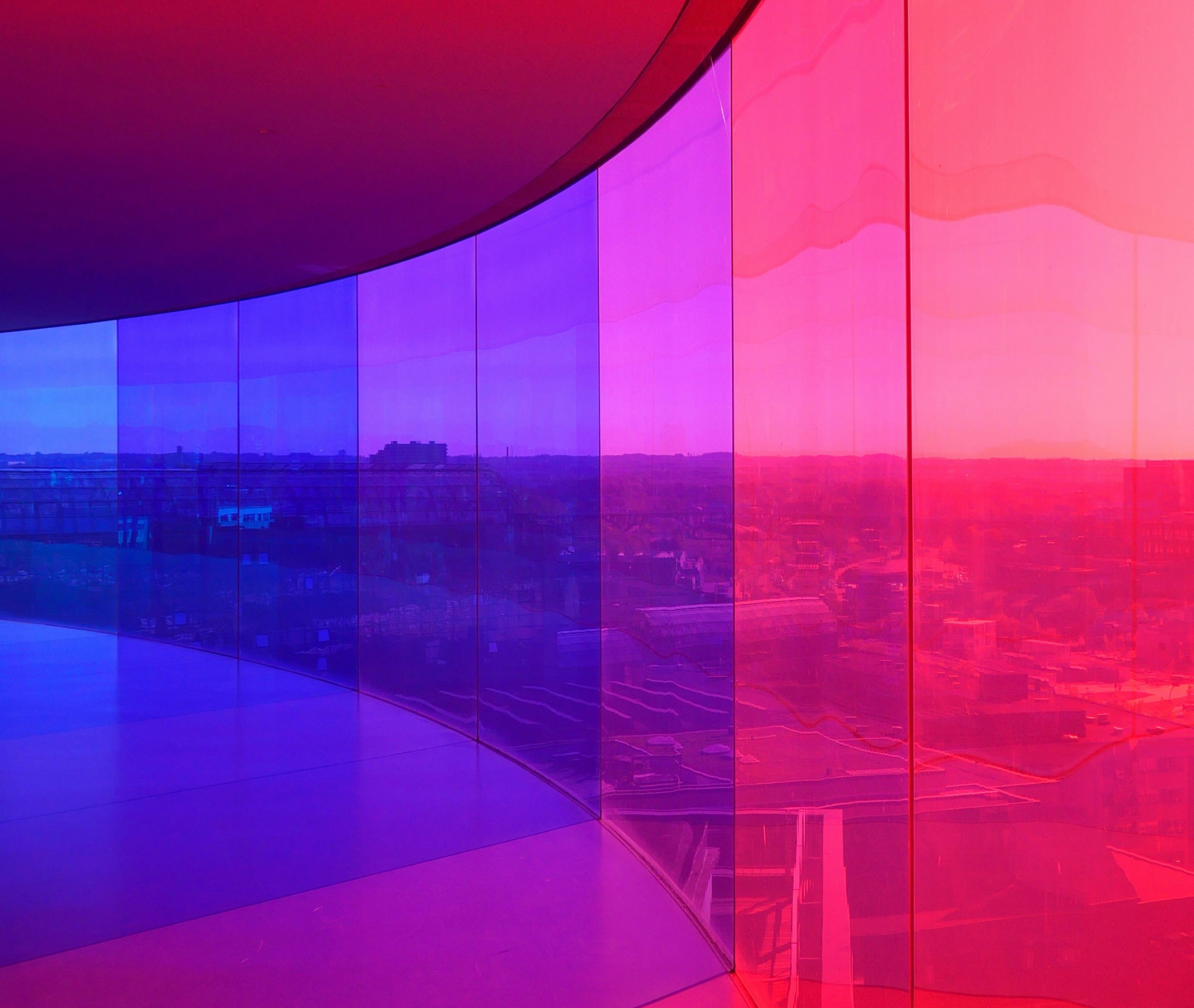
Optical Lens Cursor transforms static imagery into an immersive, interactive experience. A dimensional glass lens follows the visitor’s movement, revealing sharper detail, magnifying selected areas and creating realistic depth, reflection and refraction.
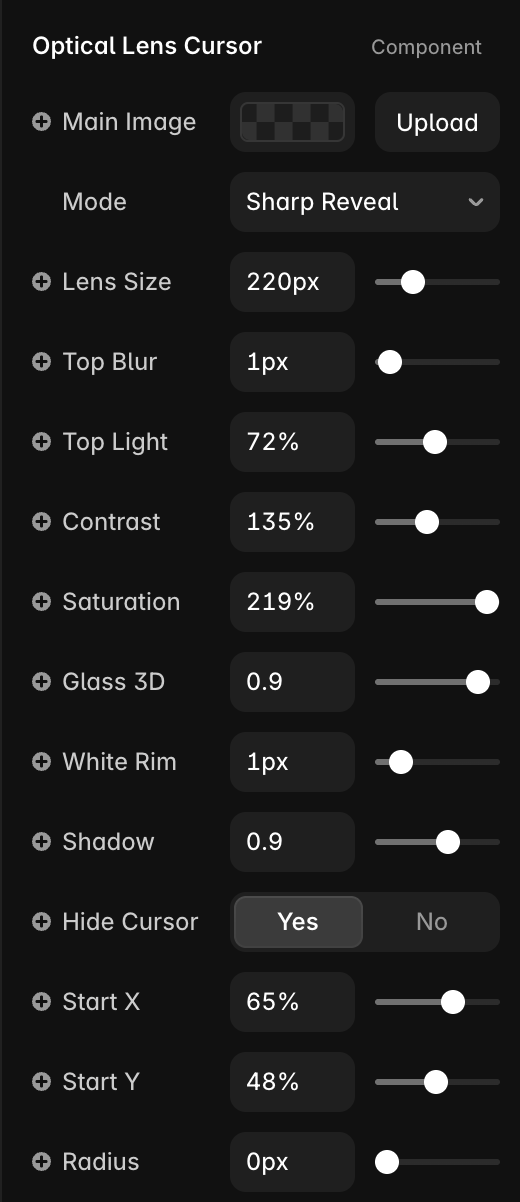
Choose from four distinctive modes: Sharp Reveal, Magnify, Colour Reveal and Before/After. Each mode can be customised directly in Framer, including lens size, magnification, background blur, brightness, contrast, saturation, glass depth, rim, shadow and starting position.
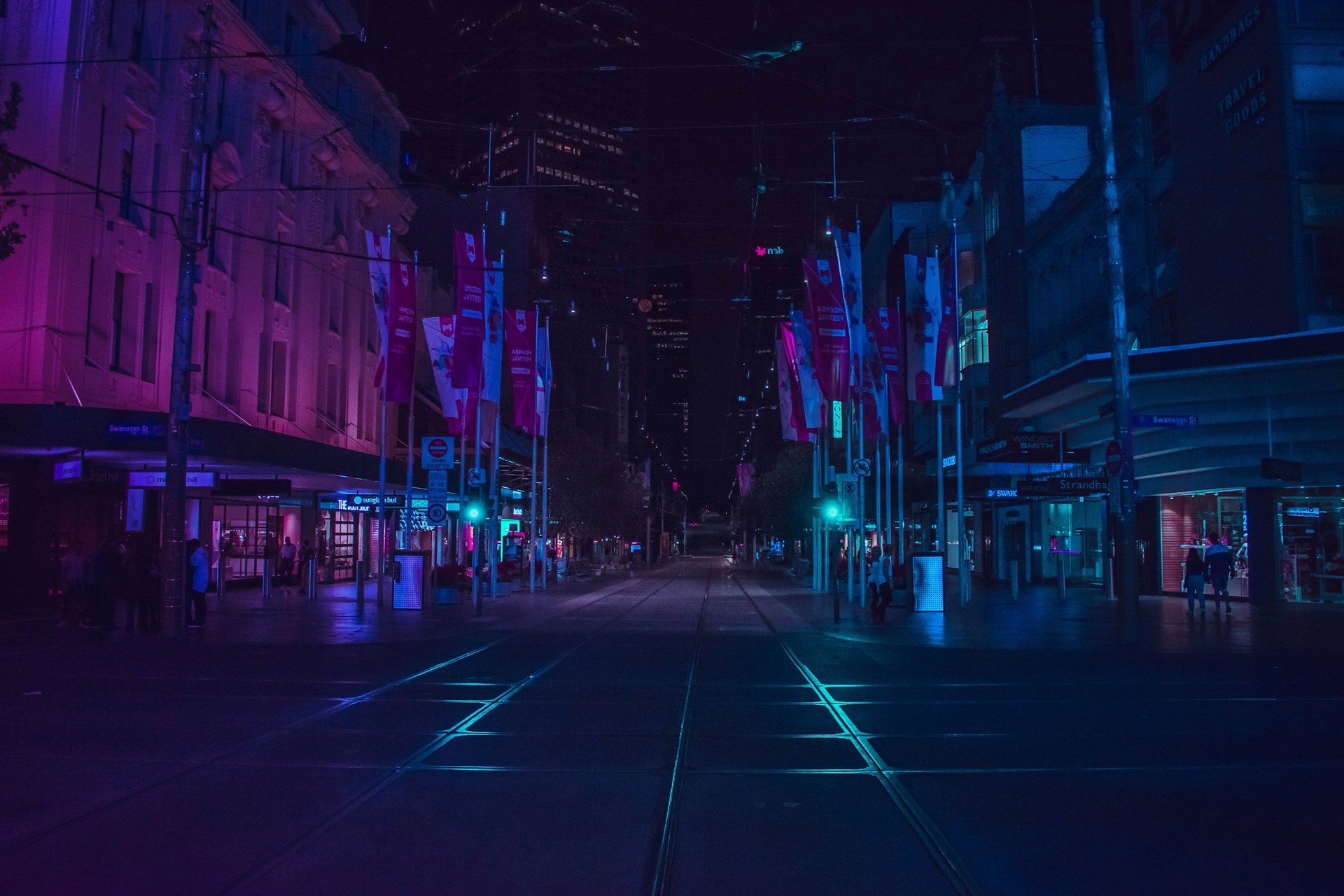
Designed for photography, artwork, product imagery and visual storytelling, the component automatically adapts images across different screen sizes. It supports mouse, touch and Apple Pencil interaction, works smoothly beneath overlaid text and buttons, and requires no coding.

4 Interactive Modes
Touch Responsive
No Code Required
About Optical Lens Cursor
Optical Lens Cursor transforms static imagery into an immersive, interactive experience. A dimensional glass lens follows the visitor’s movement, revealing sharper detail, magnifying selected areas and creating realistic depth, reflection and refraction.
Choose from four distinctive modes: Sharp Reveal, Magnify, Colour Reveal and Before/After. Each mode can be customised directly in Framer, including lens size, magnification, background blur, brightness, contrast, saturation, glass depth, rim, shadow and starting position.
Designed for photography, artwork, product imagery and visual storytelling, the component automatically adapts images across different screen sizes. It supports mouse, touch and Apple Pencil interaction, works smoothly beneath overlaid text and buttons, and requires no coding.

4 Interactive Modes
Touch Responsive
No Code Required
Four modes. One dimensional lens.
Explore four distinct ways to reveal, magnify and transform imagery with Optical Lens Cursor.
Move your mouse cursor to see it in action.
01
Sharp Reveal
Bring hidden detail into focus through a dimensional glass lens.
02
Magnify
Enlarge textures and details with adjustable optical zoom.
03
Colour Reveal
Reveal rich colour through a desaturated visual surface.
04
Before & After
Compare transformations interactively through the moving lens.
Customise every detail
Four interactive modes
Sharp Reveal, & Colour Reveal
Magnify & Before/After
Customisable images directly in Framer
Adjustable blur, brightness, contrast and saturation
Control glass depth, rim, highlights and shadow
Choose the lens’s starting position
Supports mouse, touch and Apple Pencil
Smooth interaction below text or image layers
Simply add the component to your Framer project, resize it to your desired area and customise the effect using the built-in controls.
After purchase, you’ll get instant access to the Framer Component URL. Simply copy and paste it into your Framer project to start using the effect.
Purchase securely through Framer Marketplace
Customise every detail
Four interactive modes
Sharp Reveal, & Colour Reveal
Magnify & Before/After
Customisable images directly in Framer
Adjustable blur, brightness, contrast and saturation
Control glass depth, rim, highlights and shadow
Choose the lens’s starting position
Supports mouse, touch and Apple Pencil
Smooth interaction below text or image layers
Simply add the component to your Framer project, resize it to your desired area and customise the effect using the built-in controls.
After purchase, you’ll get instant access to the Framer Component URL. Simply copy and paste it into your Framer project to start using the effect.
Purchase securely through Framer Marketplace
Bring every image into focus
Add a dimensional optical lens to your next Framer project. Choose your mode, upload your imagery and customise every detail without writing code.
Instant access · No code required